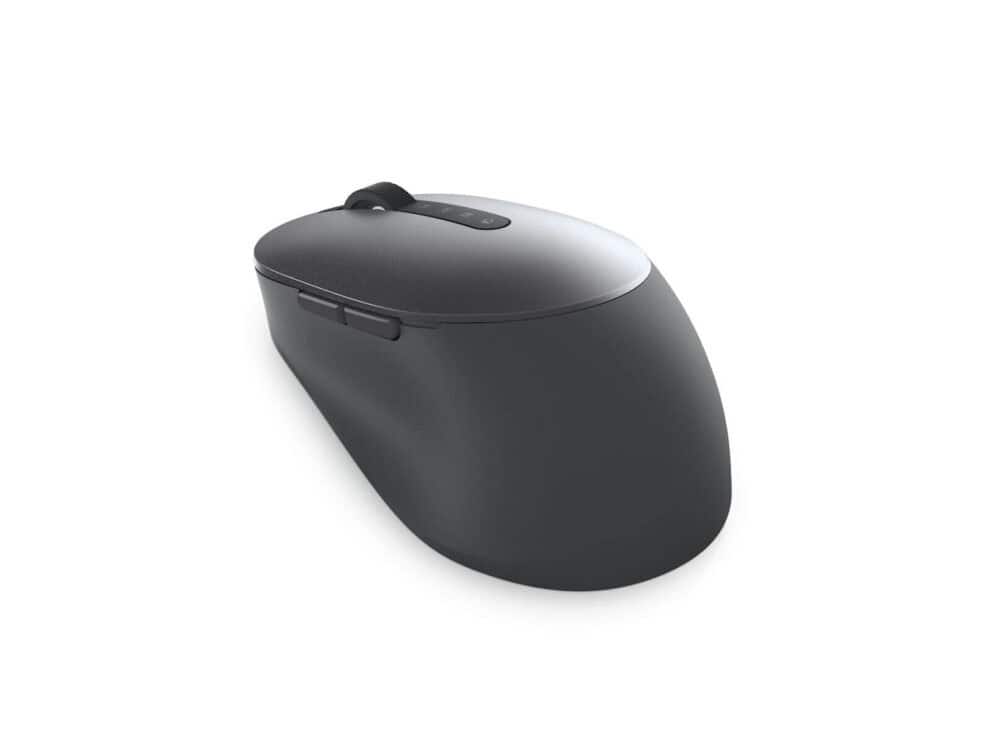
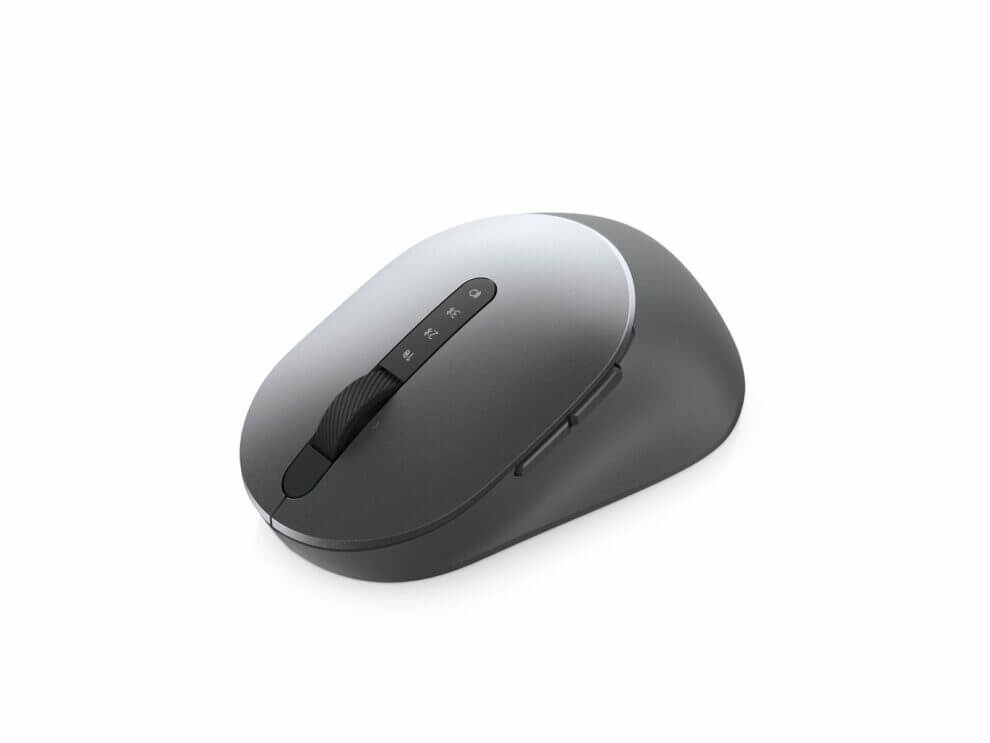
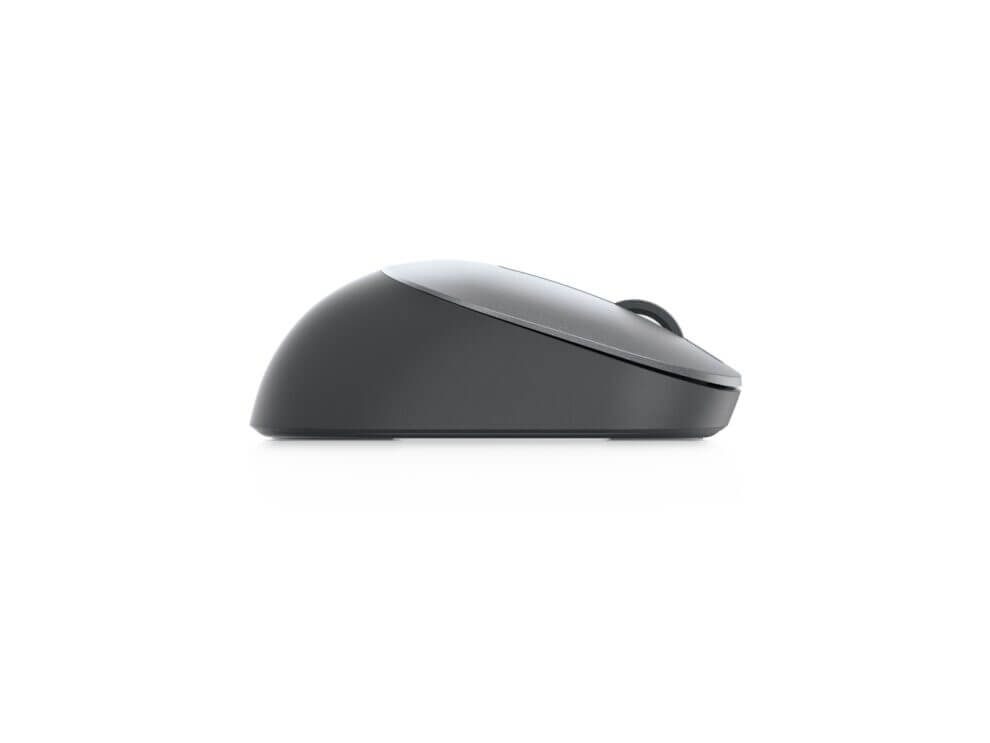
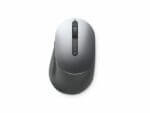
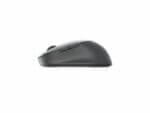
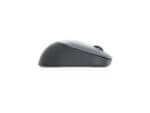
Dell MS5320W Multi-Device Wireless Mouse

Brand:SKU:570-ABHI

R789.00

Includes a 2% EFT discount — add R711 for FREE shippingCard payment price is R805.00.

– Office Optical 1600 DPI Grey, Titanium
– Right-hand RF Wireless + Bluetooth 10 m
– Scroll type: Wheel Control panel: 7
– 1 AA Alkaline

In stock

Add to Cart
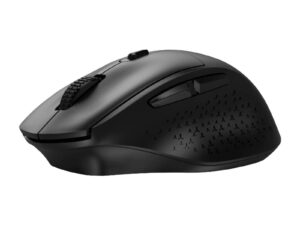
Ergonomic black wireless computer mouse
Dell MS5320W Multi-Device Wireless Mouse
R789.00
  • ⭐⭐⭐⭐⭐ Our Google Rating: 4.9 based on 780+ Verified Reviews🔗

  • ⓘ Need a quote? Choose CREATE A QUOTE under the payment options at checkout. The quote will automatically be emailed to you.

Conveniently switch
Work seamlessly across your desktop, laptop and 2-in-1 with this sculpted wireless mouse. The two Bluetooth 5.0 and 2.4GHz wireless connection methods allow you to switch easily across your laptop, desktop or 2-in-1 with a click of a button.

Easy pairing
Instantly pair each device with your compatible Windows 10 system via Bluetooth without having to configure in Settings every time with Microsoft Swift Pair i. Compatible with a variety of Windows, Mac, Chrome, Linux and Android operating systems, this mouse delivers maximum flexibility.

Built to last
Work longer without interruptions. With a battery that lasts up to 36 monthsi, this mouse ensures you don’t have to be concerned with battery replacement.

Simply reliable
Should it become faulty during the 3-year warranty period, Dell Advanced Exchange Service ships you a replacement mouse the next business day. Tested and certified with Dell systems, this wireless mouse works perfectly with Dell PCs, making deployment simple and easy across the entire organization.

Precise tracking

Rapid responses via the 1600 DPI sensor helps you navigate effortlessly, especially across your high-resolution 4K screen. Its optical sensor offers accurate tracking and is ideal for use on most desk surfaces. Dell Peripheral Manager (DPM) softwarei enables you to manage your input devices and adjust to your preferred preset DPIs at 1000, 1600, 2400 or 4000.

Quick access
Intuitively positioned shortcut buttons on the sculpted mouse allow easy navigation across web pages and applications. Browse back and forth efficiently between pages onscreen effortlessly.

Simple management
The Dell Peripheral Manager softwarei lets you customize and manage your keyboards and mice efficiently. Pair your devices and program shortcut buttons for easy access to your preferred applications and functions. You can also view battery and connectivity status, adjust DPI and get the latest firmware updates — whatever suits your business needs.
Shipping / Collection

We partner with reliable independent couriers to get your order to you quickly. While we strive for the timelines below, please allow extra time during high-volume periods or regional interruptions.


Delivery Destination Estimated Delivery Time
Joburg, Pretoria, Cape Town or Durban 2-3 working days
The Rest of South Africa 2-7 working days


Collections

You can collect your order for free from our Centurion office. Please note that stock must be moved from our warehouse first. Do not arrive until you receive your “Ready to Collect” email.


Collection Location Processing Time
Our office in Centurion 2 working days


For full terms, view our Shipping Policy

Export

We export to the countries in Central and Southern Africa. Our courier partner DHL will deliver to your door and assist you to process the duties at the port of entry of your country. While we strive for the timelines below, please allow extra time during high-volume periods or regional interruptions.


Delivery Destination Estimated Delivery Time
Botswana, Eswatini, Kenya, Lesotho, Malawi, Mauritius, Mozambique, Namibia, Zambia, and Zimbabwe. 10-15 working days

Returns

If you’re not satisfied, we accept returns within 10 business days of delivery. Items must be in their original condition with all packaging intact.

To initiate a return, please contact our customer service team and we’ll guide you through the process. More info can be found on our Returns and Exchanges page.