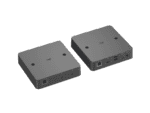
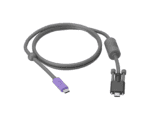
Deploy Logitech Extend with category cabling so that anyone can walk into an Android or BYOD-based meeting room, plug in with the USB-C cable, and launch a meeting from their preferred video platform running on their laptop or mobile device.
Ports and Interfaces
- Display Side (RX)
- HDMI 2.0 4K60 4:4:4
- 2x USB 2.0 Type A
- Micro USB Management Interface
- Logitech Extend Power
- RJ45 to Table Side (TX)
- Table Side (TX)
- Secured USB-C (from TX to user laptop)
- USB-C (optional USB-C power supply connection)
- RJ45 to Display Side (RX)
Mounting
- VESA: 100 x 100 mm
- Mounting Holes: 2 through-holes for mounting directly to the wall or table (mounting hardware included)
Power and Cables
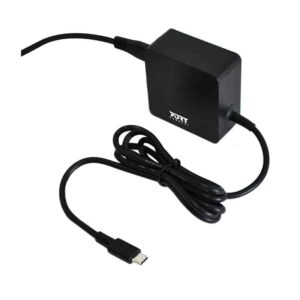
- Power supply: Auto-sensing
- Operating Voltage/Power: 100-240V, 48V, 0.5A
- Power Supply Dimensions: 73.5 mm x 53 mm x 35 mm
- DC Cable: 1.5 m
- USB-C to USB-C 3.2 Gen 1 Cable: 1.5 m
- USB A to Micro USB Cable: 1 m
Required
- Meeting Room Equipment
- Displays: HDMI 1.4 or higher
- AV Devices: USB Type-A 2.0 or higher
- Laptop Computers
- USB Type-C port with DisplayPort Alt Mode
Compatible with
- Conferencing Cameras: Rally Bar, Rally Bar Mini, Rally Bar Huddle, MeetUp, MeetUp 2, and more
- Laptop Operating Systems: Windows 10, Windows 11, macOS (latest 2 versions)
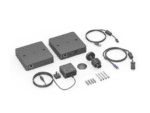
In the Box
Display Side (RX) Box
Table Side (TX) Box
USB-C to USB-C cable
Micro USB to USB-A cable
Power supply
Mounting hardware
25.4 mm Grommet adapter
Magnetic dock
User documentation