Features
Extend Two 4K Displays
Give your M1/M2 MacBook, PC or Chromebook the ability to connect to 2 extended monitors with crystal clear 4K HDMI video.
Easy Driverless Setup
In just a few seconds, connect the hub to your device via USB and you’ll immediately see the HyperDisplay App icon on your desktop. Just double-click it, and you’re ready to go.
Enjoy 10 Essential Ports
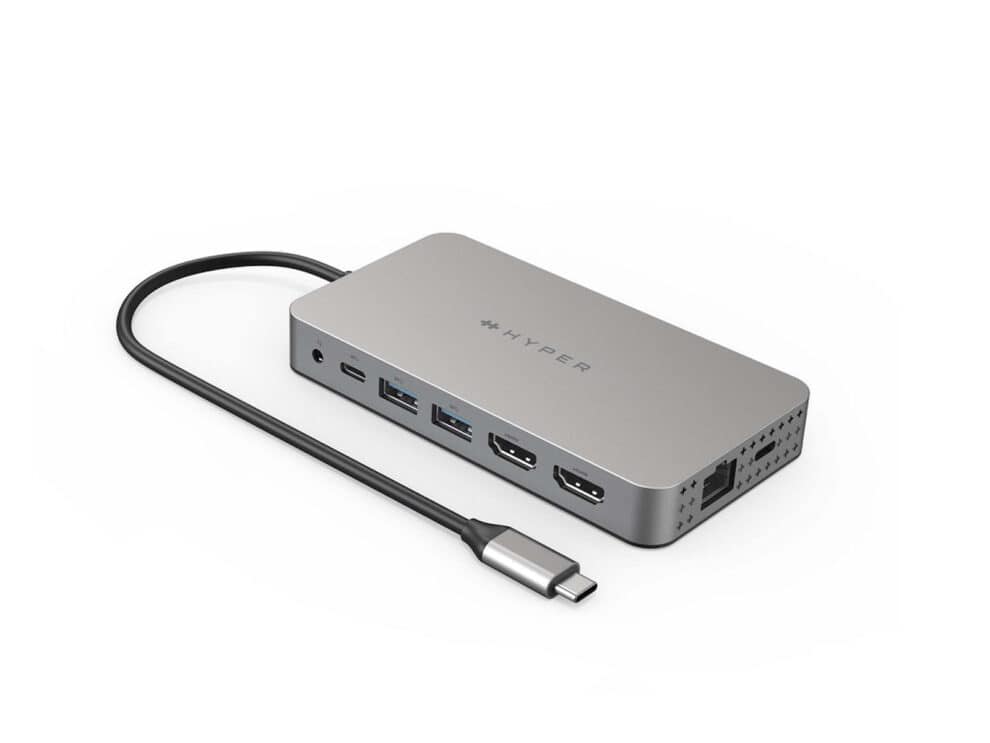
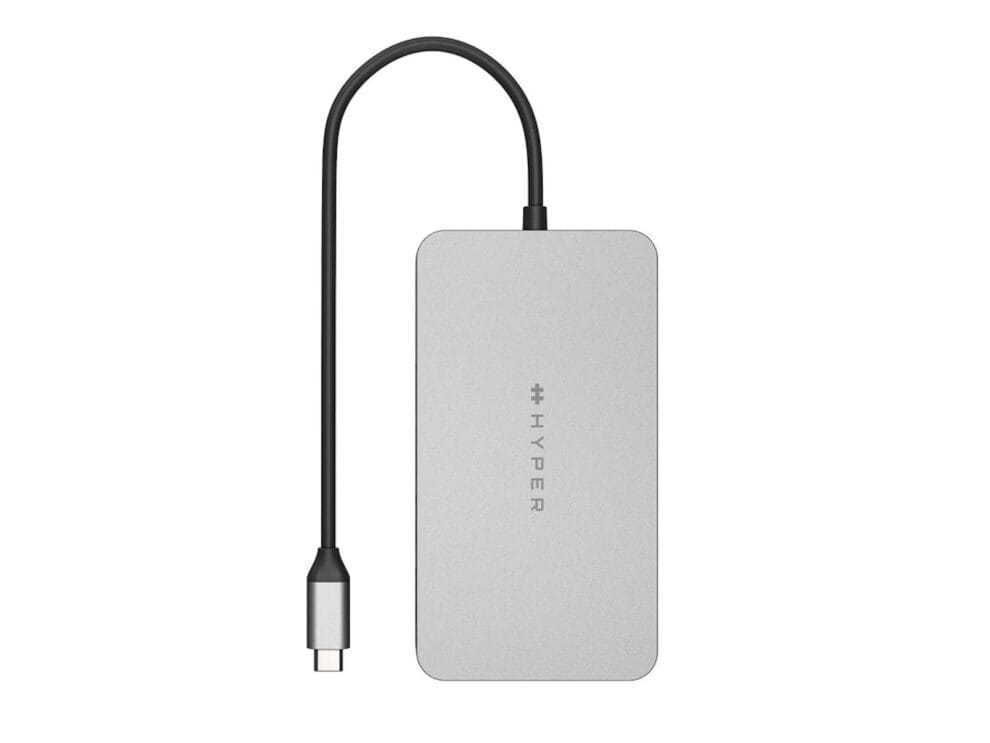
Seamlessly transform your M1/M2 MacBook into a powerhouse workspace with 4K 60Hz and 4K 30Hz HDMI video ports, a USB-C 100W Power Delivery port, MicroSD/SD slots, two USB-A 5Gbps ports, a 3.5mm audio combo jack for headphones, and more.
Quickly Transfer Photo/Video Files
For any data, photo files, or video files you need to transfer, our UHS-I to MicroSD/SD slots give you the ability to upload or send them at a blazing-fast 104MB/s.
Quickly Charge Devices
Enjoy powering up your M1/M2 MacBook in a flash with up to 85W of pass-through charging with our USB-C 100W PD charging port.
Ports
- HDMI 4K 60Hz
- HDMI 4K 30Hz
- USB-C 100W Power Delivery
- Gigabit Ethernet
- 3.5mm Audio Combo Jack (Speaker & Microphone)
- MicroSD UHS-I 104 MB/s
- SD UHS-I 104 MB/s
- 2 x USB-A 5Gbps
- USB-C 5Gbps
Compatible Devices
- MacBook Air/Pro (M1/M2 & Intel powered), MacBook OS 10.15 or Later
- Chrome OS laptop with Thunderbolt 4, USB4, USB 3.0 or later Type C with DP Alt-Mode
- Windows OS laptop with Thunderbolt 4, USB4, USB 3.0 or later Type C with DP Alt-Mode
Requirements
- DP Alt Mode requires the “USB-C” port on your computer to support this feature – DP Alt Mode.
- SMI’s InstantView requires the USB-C port on the host computer to support USB data transfer.